Your blog traffic has stalled. Your rankings won’t budge. You’ve published dozens of posts, but the results don’t match the effort you put in.
If this sounds familiar, the problem probably isn’t your content ideas. It’s the technical and structural issues sitting underneath them, quietly blocking search engines from rewarding your work.
A free SEO audit checklist fixes that. It gives you a clear list of what’s broken and what to fix first, without hiring an agency. If you’re still working on your first SEO post, running this audit early will save you months of guesswork.
What Is an SEO Audit?
An SEO audit is a structured review of your blog’s technical health, on-page content, and off-page authority. It covers three areas: technical SEO (can search engines crawl and index your pages?), on-page SEO (are your titles, content, and images set up correctly?), and off-page SEO (do other sites trust and link to yours?).
The Benefits of a Regular DIY Blog Audit
Running your own audit every quarter has real payoffs. You catch problems early, before a broken sitemap costs you months of traffic. You save the several hundred dollars agencies charge for the same review. You build lasting SEO knowledge that makes every future post stronger. And you stay ahead of Google’s frequent ranking updates instead of getting blindsided by them.
Pre-Audit Setup: Tools and Scope
Before you open a single tool, decide what you’re reviewing. A full audit of a 500-post blog looks different from a quick check on 20 posts. Set your scope by deciding whether this is a full-site review or a focused check on top pages, what your goal is (recovering traffic, prepping a redesign, improving conversions), and how much time you have — a basic audit usually takes 2–4 hours.
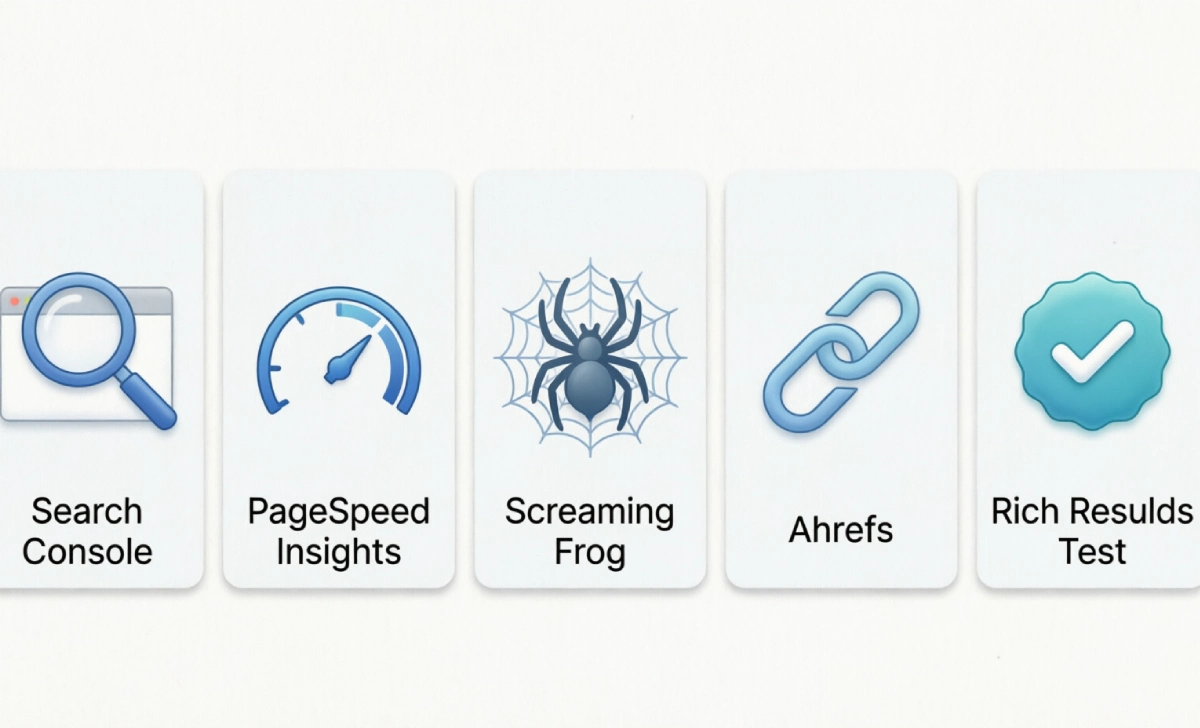
Five free tools cover most of the work:
- Google Search Console — Shows indexing status, search performance, and manual actions.
- Google PageSpeed Insights — Measures Core Web Vitals and speed, with specific fixes.
- Screaming Frog SEO Spider — Crawls your site like a search engine, flagging broken links and missing tags (free up to 500 URLs).
- Ahrefs Webmaster Tools — Free backlink and on-page audits for verified sites.
- Google’s Rich Results Test — Checks whether your structured data is valid.
Technical SEO Audit: The Foundation
If search engines can’t crawl and index your pages, nothing else matters.
Step 1 — Crawlability and indexing: Check Google Search Console’s Pages report to see which posts are indexed and why others were skipped. Confirm your robots.txt isn’t blocking important pages, your XML sitemap is submitted and current, and there are no broken links (run a Screaming Frog crawl and fix any 404s with 301 redirects).
Step 2 — HTTPS/SSL: Confirm every page loads with a padlock icon, not “Not Secure.” Google has used HTTPS as a ranking signal since 2014.
Step 3 — Core Web Vitals and speed: In March 2024, Google replaced First Input Delay with Interaction to Next Paint (INP) as its responsiveness metric, since INP tracks an entire visit instead of just the first click. Aim for LCP under 2.5 seconds, INP under 200 milliseconds, and CLS under 0.1. Fix slow scores by compressing images, removing unused plugins, and upgrading hosting if needed.
Step 4 — Mobile-friendliness: Google indexes your blog using its mobile version first. Check Search Console’s mobile usability report for tiny text or cramped buttons.
Step 5 — Rendering and JavaScript: Use the URL Inspection tool’s “Test Live URL” feature to confirm Google can fully render heavy JavaScript pages, not just a blank shell.
On-Page SEO Audit: Optimizing Every Page
Step 6 — SEO tags: Every post needs a title tag under 60 characters, a meta description under 160 characters, a clean H1–H3 hierarchy, and a correct canonical tag to prevent duplicate content issues.
Step 7 — Content quality: Google’s Helpful Content system targets posts written to game rankings rather than help readers. Expand or remove thin posts under 300–400 words, merge near-duplicate posts, run copy through Grammarly, and add real author bios with credentials and update dates (Google’s E-E-A-T guidelines).
Step 8 — Images: Compress files with TinyPNG or Squoosh, rename generic files like “IMG_4821.jpg” to descriptive names, and write accurate (not stuffed) alt text.
Step 9 — Structured data: Schema markup tells search engines what a page is — an article, recipe, or FAQ — so it can display with extra detail in results. Validate it with Google’s Rich Results Test and add it through a plugin like Rank Math or Yoast if needed.
Off-Page and Authority Audit
Step 10 — Backlink profile: Review your Links report in Search Console or Ahrefs for toxic links, lost links worth reclaiming, and competitor gap opportunities — domains linking to competitors but not to you. This works best alongside a solid content silo structure, since organized topic clusters give link builders one clear, authoritative page to point to.
Advanced Checks for a Future-Proof Blog
Step 11 — AI search readiness: AI Overviews now appear on roughly 48% of Google searches, and SparkToro’s 2026 data shows around 68% of U.S. searches end without a click at all. Confirm your robots.txt allows AI crawlers, write question-based headings with direct answers near the top, add FAQ sections, and refresh top posts regularly.
Step 12 — Accessibility and UX: Run Google Lighthouse’s accessibility audit to catch low contrast, missing form labels, and images without alt text.
Step 13 — Plugins, navigation, site structure: Remove unused plugins and review your internal linking. Applying a build content silos approach turns scattered posts into a connected, authoritative section Google can understand at a glance.
Prioritizing Fixes and Creating an Action Plan
Sort your findings into three tiers: critical (fix this week — indexing blocks, broken HTTPS, major Core Web Vitals failures), important (fix this month — missing tags, thin content, unoptimized images), and nice-to-have (fix this quarter — minor alt text or schema gaps).
SEO isn’t a one-time project. Re-run this audit every three months and track fixes in a spreadsheet. If you’re new to the bigger picture, it also helps to learn digital marketing fundamentals alongside these technical fixes, since SEO works best as part of a wider strategy.
Download Your Free Basic SEO Audit Template
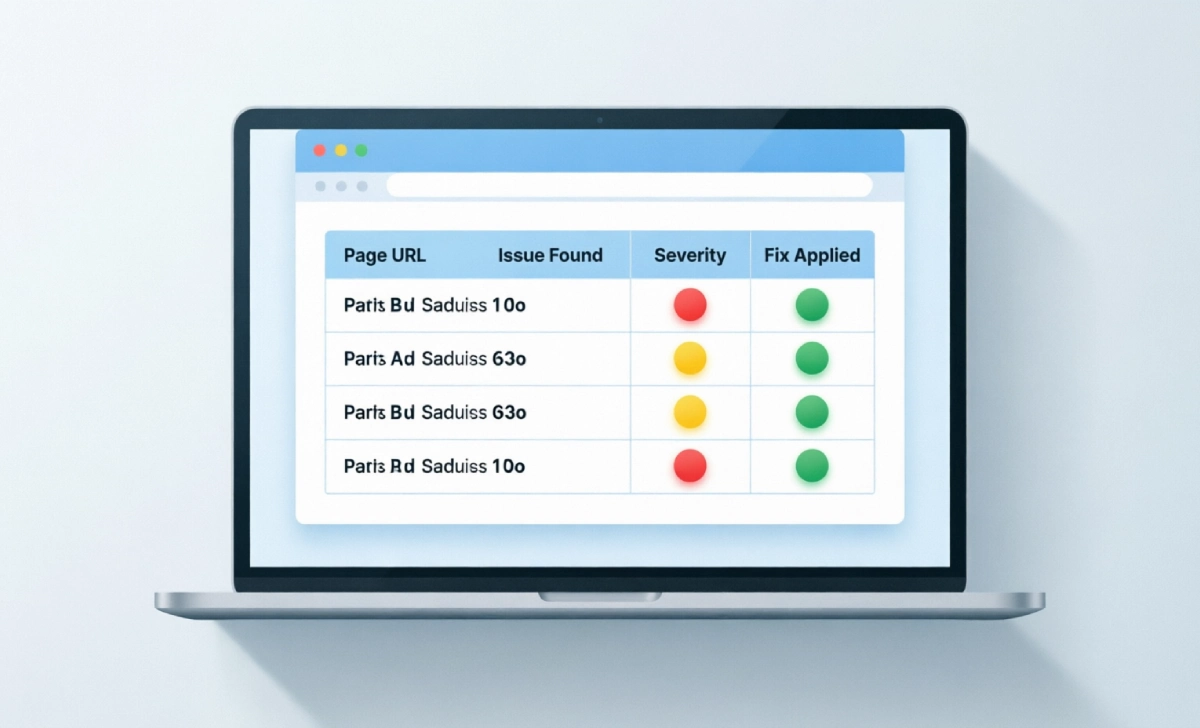
Use a simple tracker with these columns: Page URL, Issue Found, Category, Severity, Fix Applied, Date Fixed, Re-Check Date.
Copy each of the 13 steps into a row, log issues as you find them, assign a severity and fix date, then re-check fixed items 30 days later to confirm they actually moved rankings or traffic — not just the score.
Conclusion and Next Steps
An SEO audit isn’t about chasing a perfect score. It’s about removing the barriers between your content and the readers already searching for it. Start with technical basics, since fixes here have the widest impact, then work through on-page tags and your backlink profile.
Once your blog is technically clean, decide how to balance long-term organic growth against paid promotion — our SEO vs PPC comparison breaks down when each approach makes sense. Track results with GA4 and Search Console, use UTM parameters to separate organic gains from campaign traffic, and treat every fix as a test: change one thing, measure it, then adjust.



No Comment! Be the first one.